Create videos from your Claude. Hand-tune them in the browser.
Morpha is an agentic video editor, where you can hand-tune the results in a fully featured browser editor. Renders are free, with no watermark.


Your assistant up front, a real video editor behind.
A layered edit from one sentence.
Describe the overlay once. The assistant places every layer, times the entrances and hands the project back ready to render.
Everything it makes is yours to change.
Each clip, caption and shape the assistant adds is an ordinary layer. Drag it, restyle it or swap it, and undo anything.
Captions and overlays without the tapping.
Transcribe the clip, style every caption line at once, and stagger the graphics in with frame-perfect timing.













Say one sentence and post the Reel.
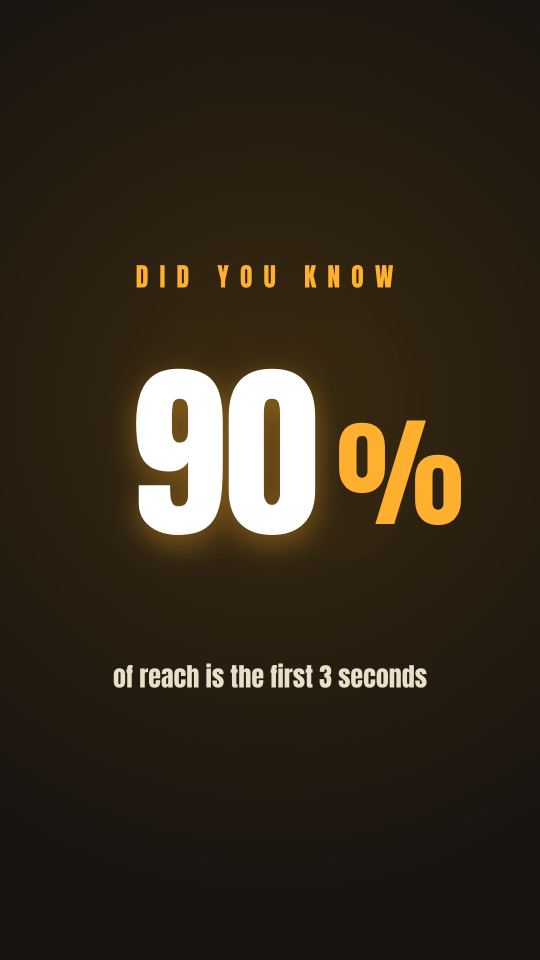
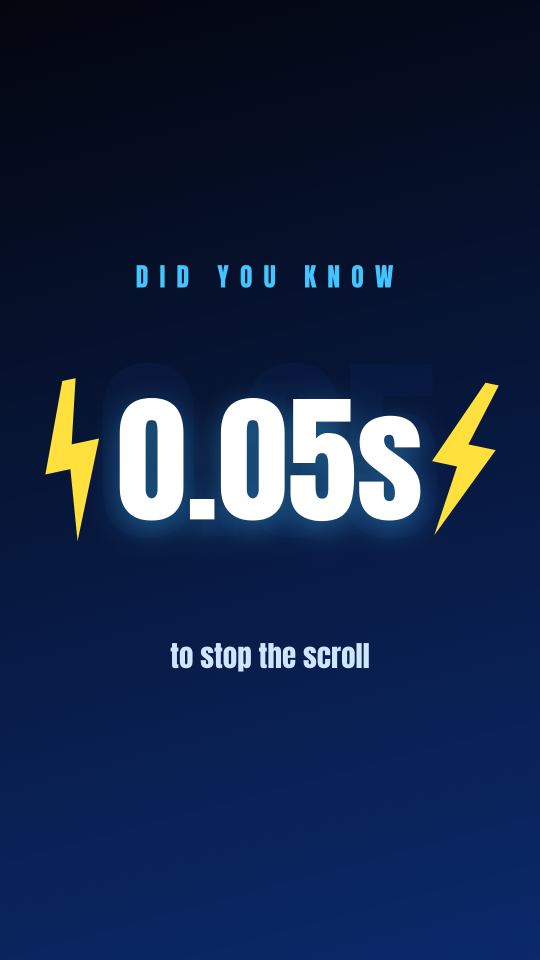
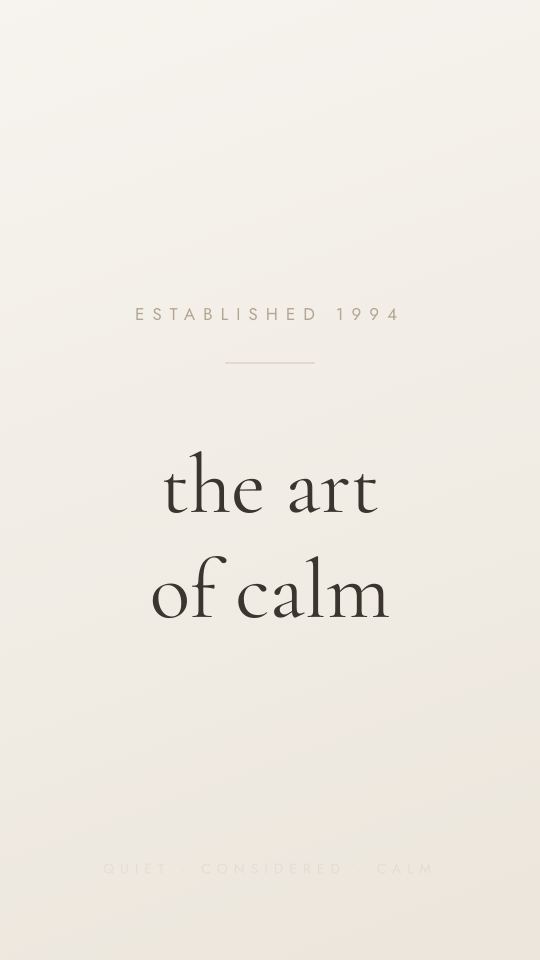
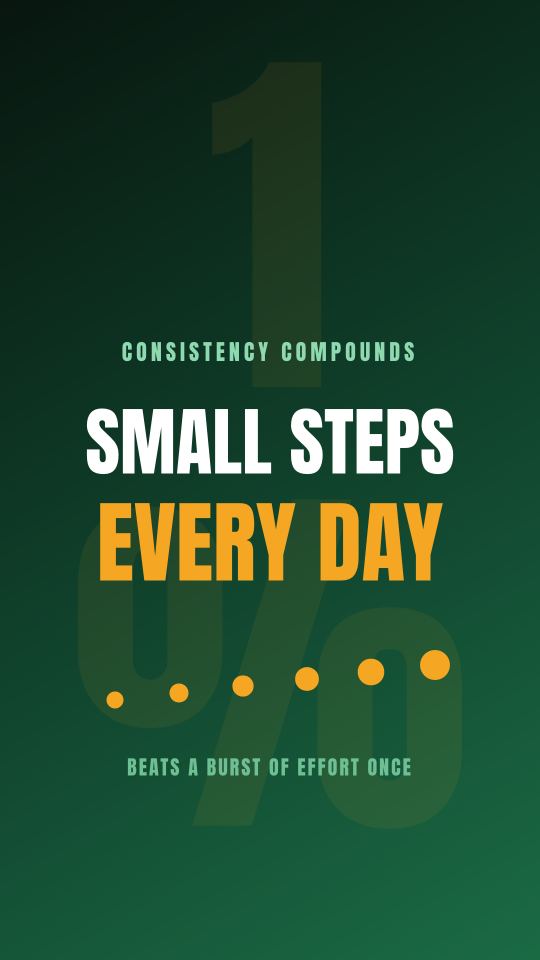
Each of these came from one sentence. By hand, it is an evening of lining up captions and timing graphics frame by frame.








107 short-form video templates, cut faster than you shot them.
Ideas for Reels, TikTok and Shorts, ready to open and change. Start anywhere.
Captioning every cut?
You’re rewriting captions for every cut, and there has to be a faster way.
Twenty-eight captions across nine cuts, and by midnight you’re matching colours by hand. Say this once instead:
auto-caption this whole clip in the lower-third, stagger each line by 2 framesOpens in the editor with this prompt loaded · Rendering is free once you sign in









Hand your assistant the jobs that take hundreds of clicks.
Each one is a sentence you say once. Ask for versions and they land as pages of one project, and exporting gives you one video per page.
- 01
Test five ad hooks against each other
Ask for versions and each one lands as its own page, with a different opening hook, its own colour and a clean loop. Export them and you get one video per page, ready to upload as separate ads.
Say to your Claude:
five versions of this ad, each opening on a different hook, its own colour, looping - 02
Reframe the whole set at once
One sentence resizes every page of a project, or every project in a set, to a new canvas, and the layers move with it.
Say to your Claude:
resize all of these to landscape - 03
Ship it in fourteen languages
Ask the assistant to translate every caption and it rewrites the text on a copy of the page for each language, keeping your timing. Export them and you get one video per language.
Say to your Claude:
translate every caption into fourteen languages, one page each, keep my timing - 04
Style every caption, down to the word that pops
Morpha transcribes the clip, and every caption line is a real text layer: any font, your own included, with outlines, shadows, background chips and an entrance. Pull the key word onto its own layer and it pops, bigger and in another colour.
Say to your Claude:
caption the clip in my brand font, and make the key word in every line pop on a yellow chip - 05
One video for every row in your sheet
Hand your assistant a list and it builds a page per row, swapping the words, the picture and the colour as it goes.
Say to your Claude:
make one video for every row in this sheet, swapping the words, the picture and the colour



A video editing API your agents can drive: SDK, MCP and HTTP.
Every edit the prompt panel makes, your code can make too, over a typed npm SDK, or MCP, free with any account. Build projects, caption clips, and render frames and MP4s from a script. No ffmpeg, no server.
Same catalog as the prompt panel
Every tool the editor's agent calls, your code calls too, typed end to end.
Render in code
One call for a PNG frame or a full MP4, driven by a real local browser.
Unlimited MCP, on the free plan
Point Claude Code, Claude Desktop, or any MCP client straight at it. There is no per-call charge and no paid tier, and the free plan's limits are 1 GB of storage, 5 projects and 500 MB per uploaded clip.
Pricing: start free, upgrade when it earns its keep.
Unlimited edits from your assistant and the API, 1 GB of storage, unlimited MP4 renders with no watermark, and every feature, including the AI image tools. You get the whole editor without a card.
Open editorIt adds 25 GB of storage, monthly AI credits, unlimited projects, and bigger file uploads.
Choose StandardEverything in Standard, plus 100 GB of storage and 3× Standard's AI credits. It suits heavy weeks and teams.
Choose Propaid plans billed monthly · cancel anytime
What is Morpha?
Morpha is an agentic video editor for social video: Instagram Reels, TikTok and YouTube Shorts. Your assistant does the editing, and you hand-tune the results in a fully featured editor that runs in your browser. It is an editor you brief, rather than a text-to-video generator.
Connect Morpha to Claude, ChatGPT or Gemini, and your assistant can create and orchestrate whole videos. It adds text, shapes and images, and animates them with keyframes, transitions and ready-made presets. Then you tune it by hand: drag any layer around the canvas, change any of its properties in the Properties panel, and adjust its timing on the timeline. When no assistant is open, the prompt box under the canvas takes the same instructions.
It takes the repetitive work out of social video for marketing managers and content creators. Run A/B tests by swapping the text or images in a video, restyle every caption in one pass, translate a video into other languages, or brainstorm a batch of ideas at once. Versions land as pages of one project, and exporting gives you one video per page.
Captions are transcribed from the clip and laid out as editable lines. The template library covers hooks, quote cards, listicles, kinetic typography and brand frames, and every template opens in the editor with its prompt loaded.
It’s built for teams, too. Share a workspace with your colleagues and work on the same videos together.
Getting started is easy. Your assistant can set up a temporary account for you, and you keep the work by claiming it with one link. Nothing installs, and a free account renders the MP4 with no watermark.
Every project is also drivable from code. The morphareels-sdk npm package, a Model Context Protocol (MCP) server and an HTTP tool API call the same tool catalog the prompt panel uses, so an agent can build, caption and render a video without anyone clicking.







Ask Claude to make your first Reel.
no install · renders free in your browser